Check guests in at the door on your phone or tablet
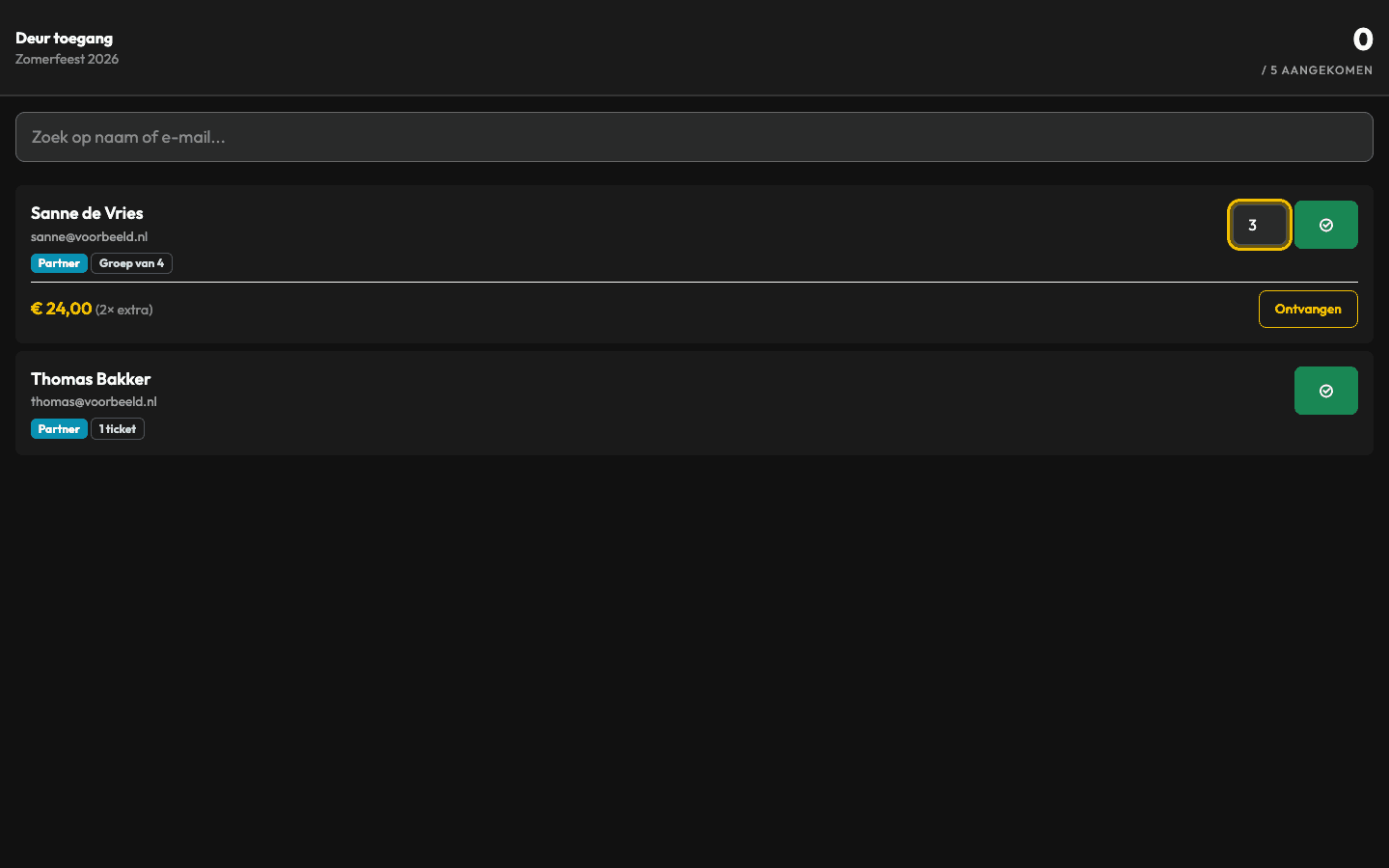
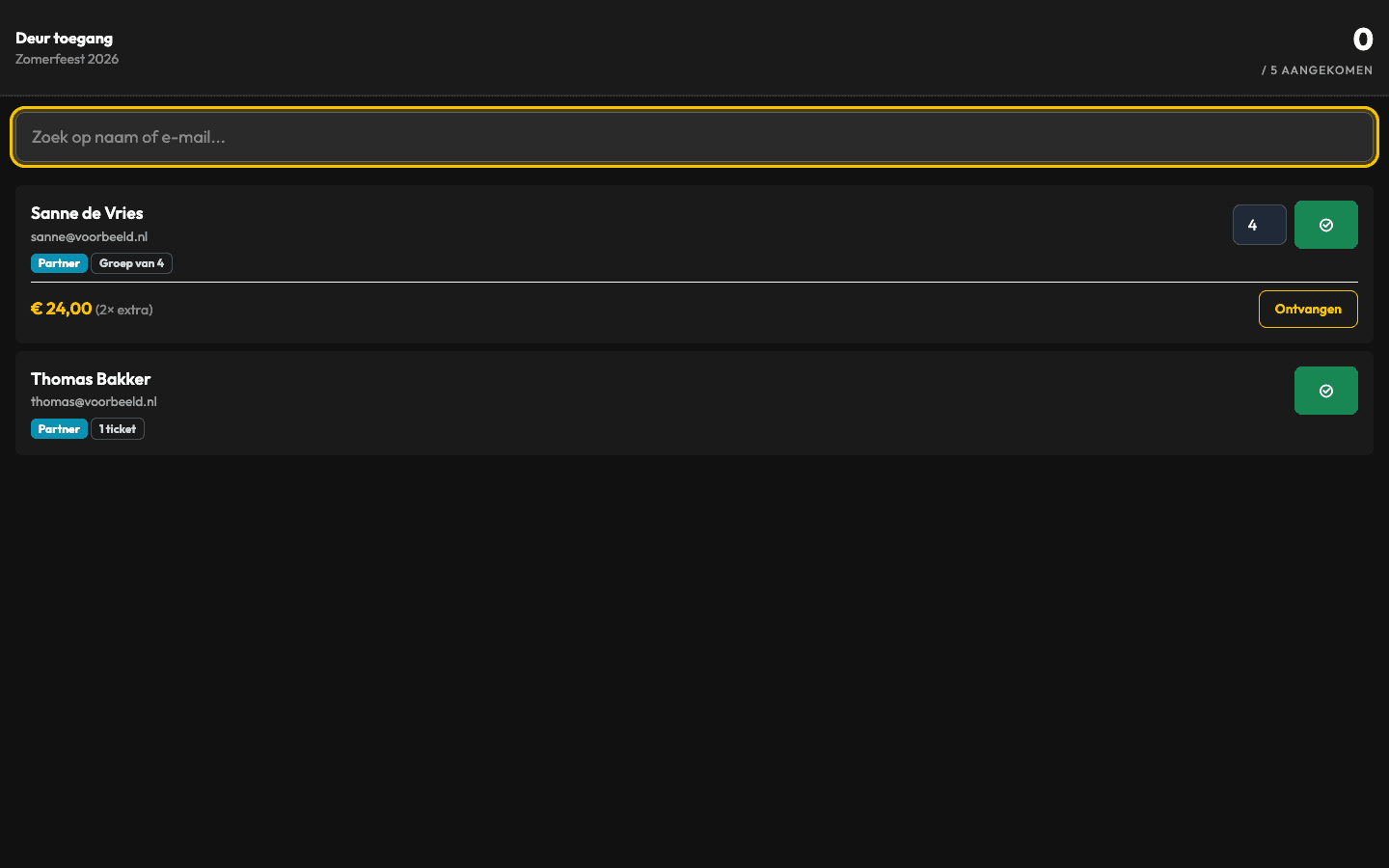
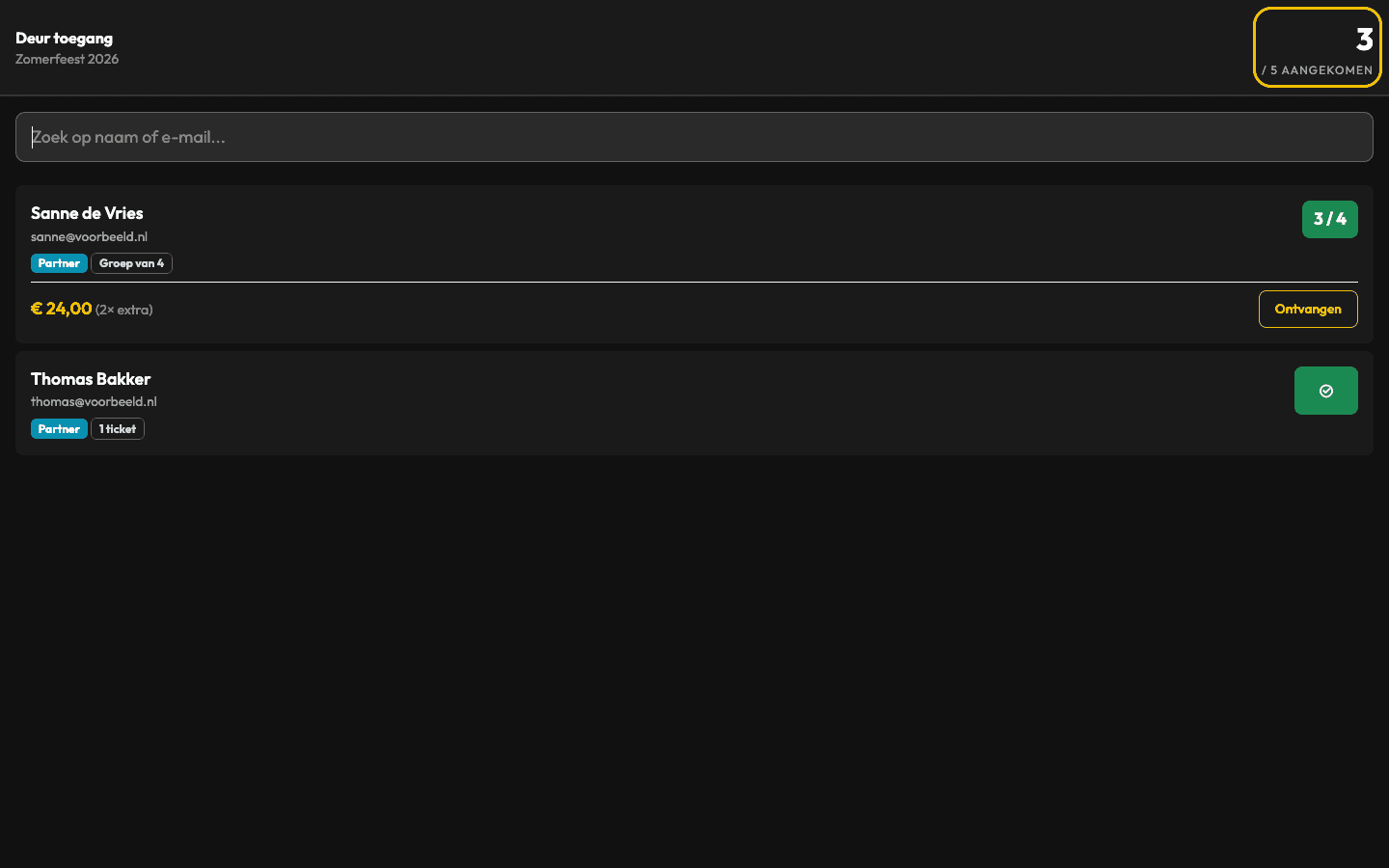
The Backemp door screen only shows the guests you expect. Your door staff search by name, check guests in and see at the top how many people are inside.Search by name or email addressCheck in part of a group: 4 of 6Counter showing how many guests are inside
14 days free, no payment details. Then cancel any month. Sign-up, app and door screen in English. You set up the invitation email and RSVP page yourself, in English too. Nederlands
What goes wrong with a paper door list?
A printed list still shows the people who cancelled, so the door spends longer searching than it should. When four of a group of six turn up, someone writes it in the margin, and nobody knows how many people are inside until someone counts.
How do you check in guests with Backemp?
Open the door screen of the guest list on a phone or tablet, in the browser. There is no app to install.
Search for the guest by name or email address. Their card shows how many tickets they have. If the whole group arrives, tap check in. If only part of it arrives, set the number to the people actually coming in and record it once.
The counter at the top right shows how many people are inside, next to the total number of tickets on the list. On your own phone it updates straight away.
Who appears on the door screen?
Only the people you expect that night. Guests who are already inside stay on it. Guests who declined or whom you cancelled do not appear. On a list by invitation only confirmed guests appear; on a traditional list everyone you added.
If your event has several lists, such as invitees, press and crew, use the door screen for the whole event and search all lists at once.
Can the door screen be in English?
Yes. The door screen follows the language each staff member chooses in Backemp, so your door team can work in English. Guest names and your own texts appear as entered. You set up the RSVP page your guests see yourself, so that can be in English too.
Who can work the door?
Give door staff the Door role. They can search and check in guests, but cannot change lists or send invitations. Door staff do not count as admins, so add as many as you need at no extra cost.
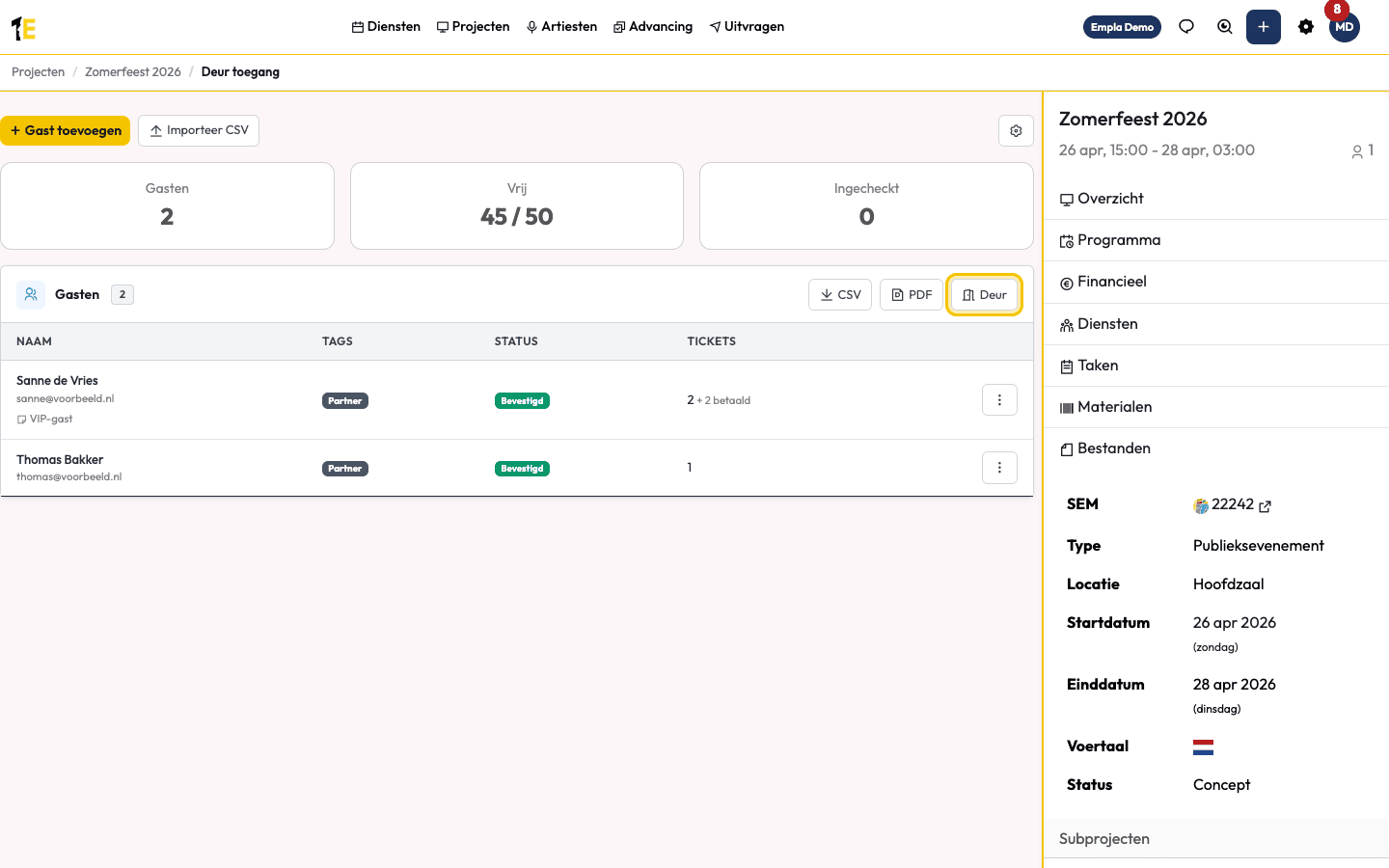
Want a paper backup? Download the door list as a PDF, with the same guests as the door screen.
How much does Backemp guest list software cost?
€29/month
excluding Backemp Base (€99 a month)
3 admins included, door staff and crew unlimited.
- Unlimited guest lists and guests
- 3 admins included
- Door staff and crew unlimited
- Cancel any month
The Guest lists module costs €29 a month, plus Backemp Base at €99 a month: €128 together, excluding VAT. Base covers your events, your programme and your team. Create as many lists as you like, with as many guests as you like.
3 admins are included. Door staff and crew get a free account, as many as you need. An extra admin costs €19 a month.
Try everything free for 14 days, without payment details. If you like it, add your payment details. If not, the trial simply ends. After that you can cancel any month.
Frequently asked questions
Questions before you start.
Do I need an app to check guests in?
›No. The door screen runs in the browser on a phone or tablet. Your door staff log in with their own account.
Can I check in part of a group?
›Do two people at the door see each other's check-ins?
›Does it work with QR codes?
›Does it work offline?
›How much does it cost?
›Set up your first guest list today
Create an event, style your RSVP page and send the invitations. 14 days free, no payment details.