Screens that update themselves.
Welcome screens, announcements, the weather, your Instagram and your own photos on every TV in your business. You pick the boards, Backemp keeps them up to date.28 boards, from welcome screen to InstagramOne price for all your screens, no limitFrom €39 a month, 14 days free
No payment details needed. Sign-up and app in English. Nederlands
Why do most screens go stale?
- A screen nobody updates. The TV is on the wall, but the slides are from last month. Someone was supposed to update them and nobody had the time.
- Software that needs a course. Playlists, timelines and templates: for a few announcements, most digital signage software is far too heavy.
- Information that already exists. The weather, your Instagram, your website visitors, your planning: it is all out there already, yet someone copies it onto a screen by hand.
How do you set up digital signage?
No software to install and no IT skills needed. You set everything up yourself in Backemp.
Connect your TV.
Plug the player into your TV and the internet and enter the six-character code on screen. A TV or computer with a browser works too, on a fixed IP address.
Pick your boards.
Per TV you choose which boards appear, in which style and for how long. Add your own photos and videos in between.
Done. The screen runs itself.
The boards keep themselves up to date. With the player, the TV switches on and off at the times you set.
What can you show on screen?
For reception, the canteen, a shop, a bar or a waiting area. These boards work straight away or with your own account. The sample screens below are in Dutch: board texts such as greetings and day names are Dutch for now.
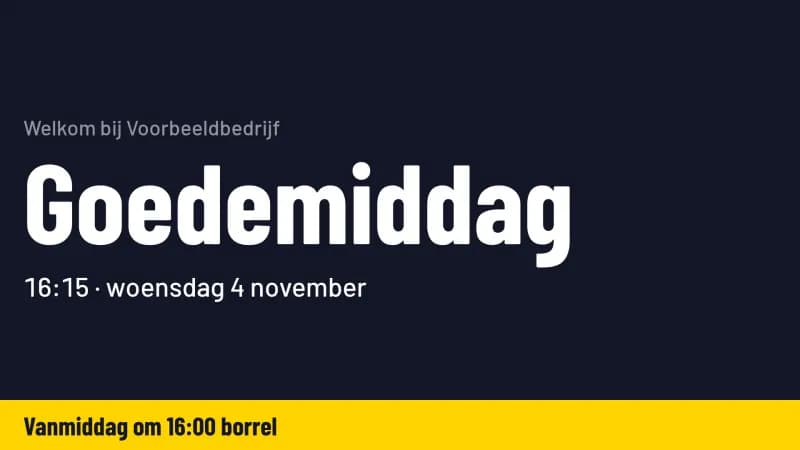
- WelcomeYour logo, your name and the time, with a greeting that follows the day.
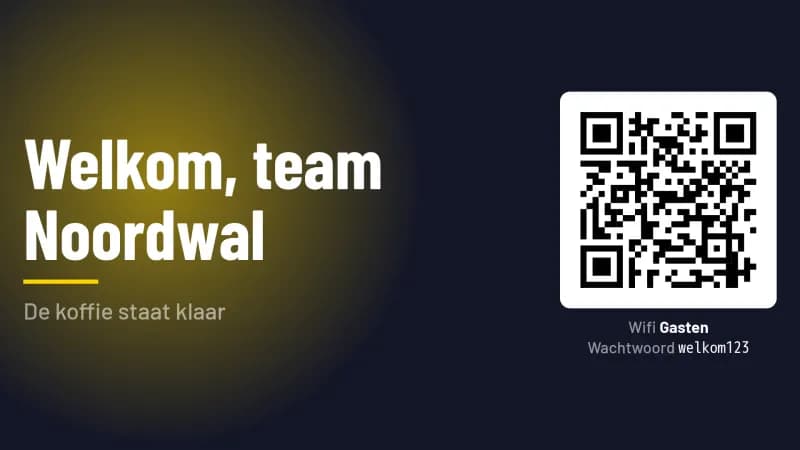 Announcement with Wi-Fi codeOne message in large type, with a QR code guests scan to join your Wi-Fi.
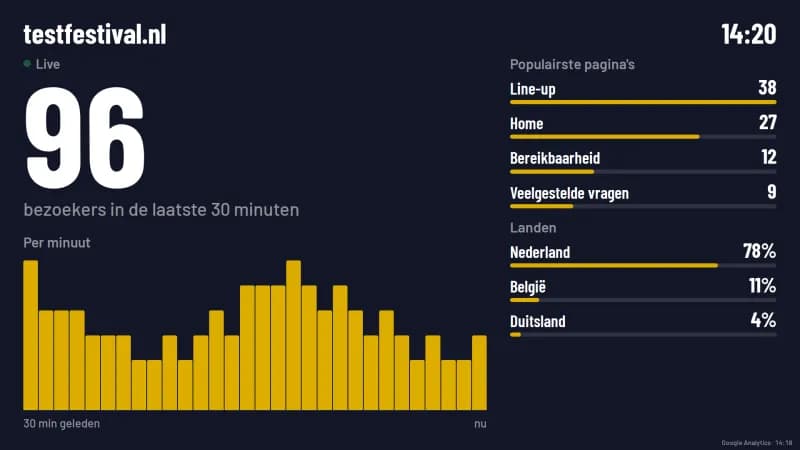 Website visitorsHow many people are on your website right now and which pages they read, from Google Analytics.
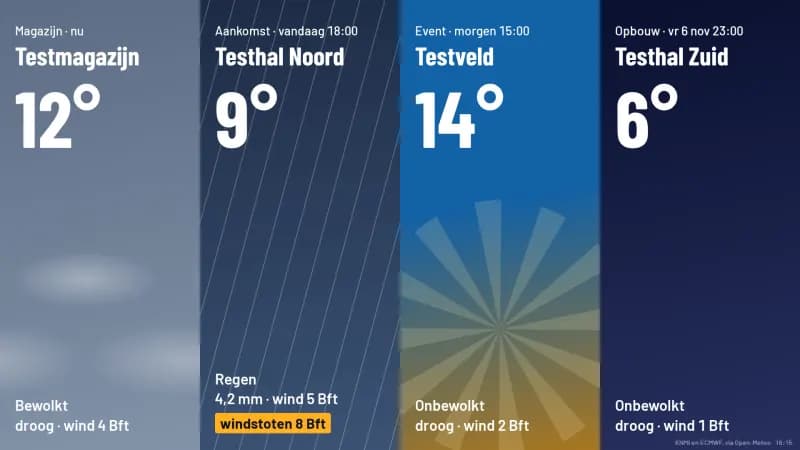 Weather and rain radarThe weather at your location, and when the next shower arrives.
 InstagramThe latest posts from your own business or creator account, in motion.
 Your own photos and videosPhotos, short videos and PDF slides: a menu, an offer, the team outing.
How much does digital signage cost?
from €39/month
14 days free, no payment details needed
- As many screens as you like, for one price
- All 14 boards that work without extra modules, from welcome to Instagram
- Your own photos, videos and slides
- 3 admins; your team and freelancers are free
Price per month, billed yearly, excluding VAT. Player €24 a month per TV; your own TV or computer with a browser costs nothing extra.
Digital signage
Questions before you start.
What is digital signage?
›Digital signage means showing information on screens for the people at a specific place: visitors in reception, staff in the canteen, guests at the bar. With Backemp you put boards on a TV that keep themselves up to date, such as a welcome screen, announcements, the weather and your Instagram, next to your own photos and videos.
How much does digital signage cost?
›Do I need a player?
›Is everything in English?
›What happens after the free trial?
›Can I connect my own systems?
›Which board goes on your first screen?
Sign up, connect your TV and pick your boards. Prefer a walkthrough first? We show you in 30 minutes.14 days freeStops by itself if you do nothingAny TV with HDMI